When to use
Collapsible panes allow you to hide chunks of text in a hidden pane and reveal them when a user clicks the pane’s header. This feature can be helpful, for example, when creating long lists of lists where you want to keep the list headings above-the-fold. Collapsible panes are a bit more involved than some other shortcodes, but they are still relatively easy to master!
Attributes
Optional Attributes
- color — changes color of panel to either:
-
- blue
- red
- green
- yellow
- gray
- orange
- light-gray
- dark-blue
- illini-orange
- juicy-orange
- illini-blue
- smoky-blue
- burgundy
-
- open= “true” OR “false”: determines whether the panel will be open or close on page load. Default value is false.
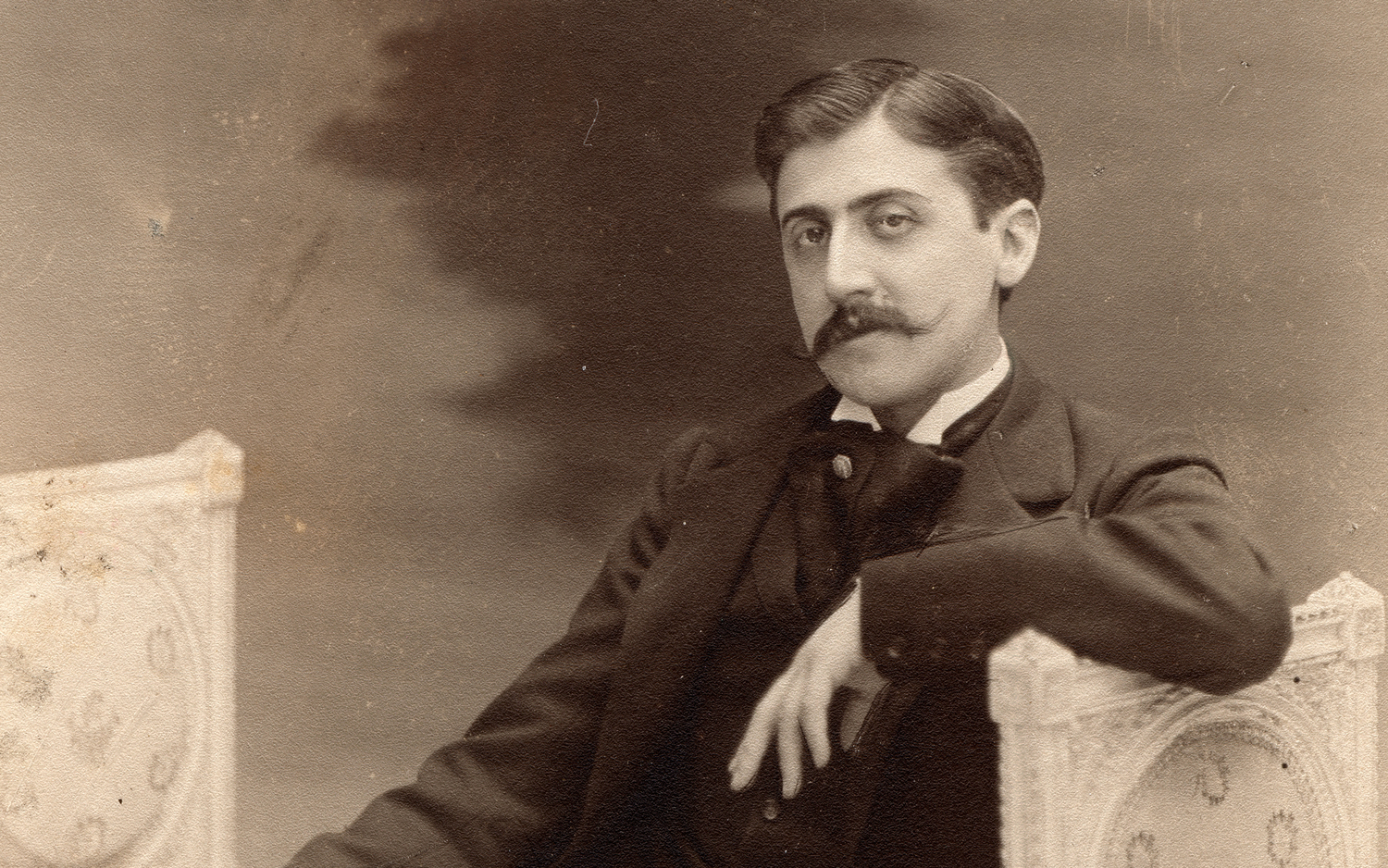
- img=” link of your image”: Display an image on the panel.
Required Attributes
- title
Basic Usage: [collapse-pane title="Heading"]Content[endcollapse-pane]
- Begin opening the collapsible pane:
[collapse-pane - Add the required
titleattribute, set its value to the heading you would like to appear at the top of the pane, and add the final bracket:
title="The heading of a collapsible pane."] - Add the content to be shown in the pane:
Content of the collapsible pane. - Close the collapsible pane:
[endcollapse-pane]
Results
Code
[collapse-pane title="The heading of a collapsible pane."]

Content of the collapsible pane.

[endcollapse-pane]
Rendering
Content of the collapsible pane.
Adding an image
[collapse-pane
color="smoky-blue"
img="https://www.library.illinois.edu/rbx/wp-content/uploads/sites/52/2019/07/Proust.jpg"
title="The heading of a collapsible pane V2."]
Content of the collapsible pane.
[endcollapse-pane]
Rendering
title value must be entered as HTML entities. See examples below. More about HTML entities at W3 Schoolscolor attribute
Just like regular panes [collapse-pane] has one optional attribute: color. This attribute changes the background color or the pane. color has six allowable values: blue, gray, green, light-gray, orange and red. Below are color attribute usage examples along with HTML entity examples of special characters in titles.
color="blue"
Code
[collapse-pane title="The "Title" of a blue collapsible pane with HTML entity double quotation marks around the word title." color="blue"]

Some interesting content in a blue collapsible pane.

[endcollapse-pane]
Rendering
Some interesting content hidden in a blue collapsible pane.
color="gray"
Code
[collapse-pane title="A gray collapsible pane with a copyright symbol HTML entity in the heading ©" color="gray"]

Some interesting content in a gray collapsible pane.

[endcollapse-pane]
Rendering
Some interesting content hidden in a blue collapsible pane.
color="green"
Code
[collapse-pane title="A green collapsible pane with a trademark symbol HTML entity in the heading ®" color="green"]

Some interesting content in a green collapsible pane.

[endcollapse-pane]
Rendering
Some interesting content hidden in a green collapsible pane.
color="light-gray"
Code
[collapse-pane title="A light-gray collapsible pane with an apostrophe HTML entity in the heading '" color="light-gray"]

Some interesting content in a light-gray collapsible pane.

[endcollapse-pane]
Rendering
Some interesting content hidden in a light-gray collapsible pane.
color="orange"
Code
[collapse-pane title="An orange  collapsible pane with quotation mark and  apostrophe HTML entities in the heading: "Pilgrim's progress"" color="orange"]

Some interesting content in a orange collapsible pane.

[endcollapse-pane]
Rendering
Some interesting content hidden in an orange collapsible pane.
color="red"
Code
[collapse-pane title="A red collapsible pane with Pound Sterling, Euro, and cent HTML entities in the heading: £ € ¢" color="red"]

Some interesting content in a red collapsible pane.

[endcollapse-pane]
Rendering
Some interesting content hidden in a red collapsible pane.