How to use MathSciNet
Accessing MathSciNet:
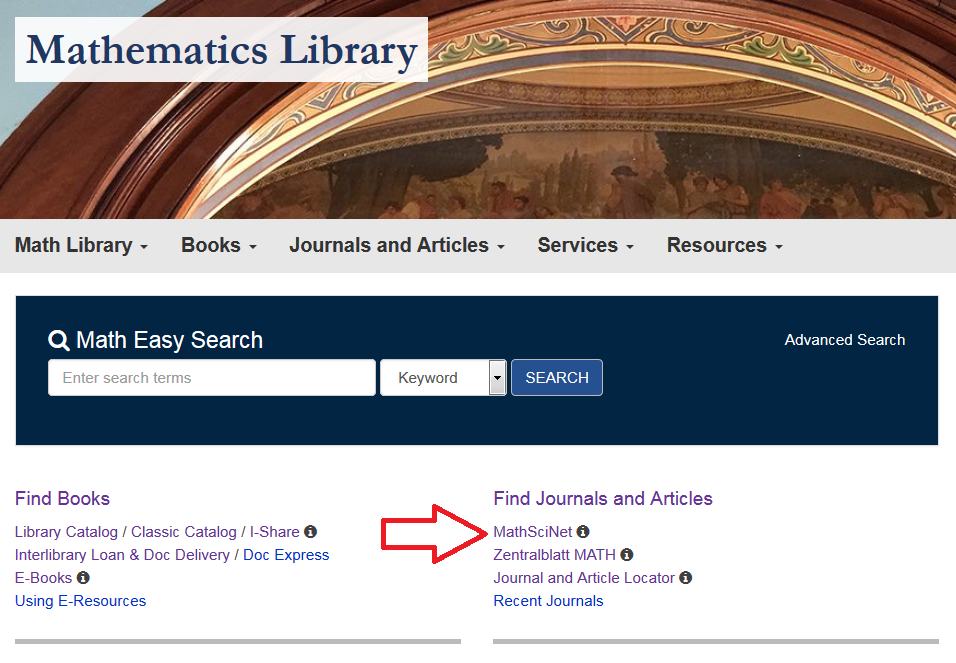
To access MathSciNet from the Mathematics Library homepage, follow the link under “Find Journals And Articles”.
To access MathSciNet from off campus, see the guide on accessing databases off-campus: Off-Campus Guide
Searching in MathSciNet
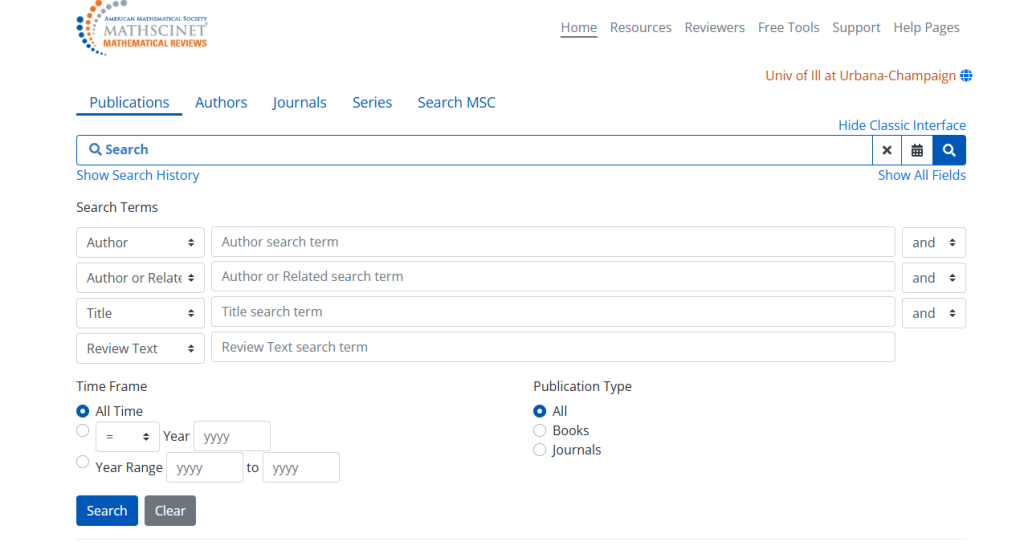
Search within publications, authors, journals, or citations using the tabs atop the main search box. The citation search is further divided into author citations, journal citations, search by subject, search by year, and top 10 lists.
Filtering Results
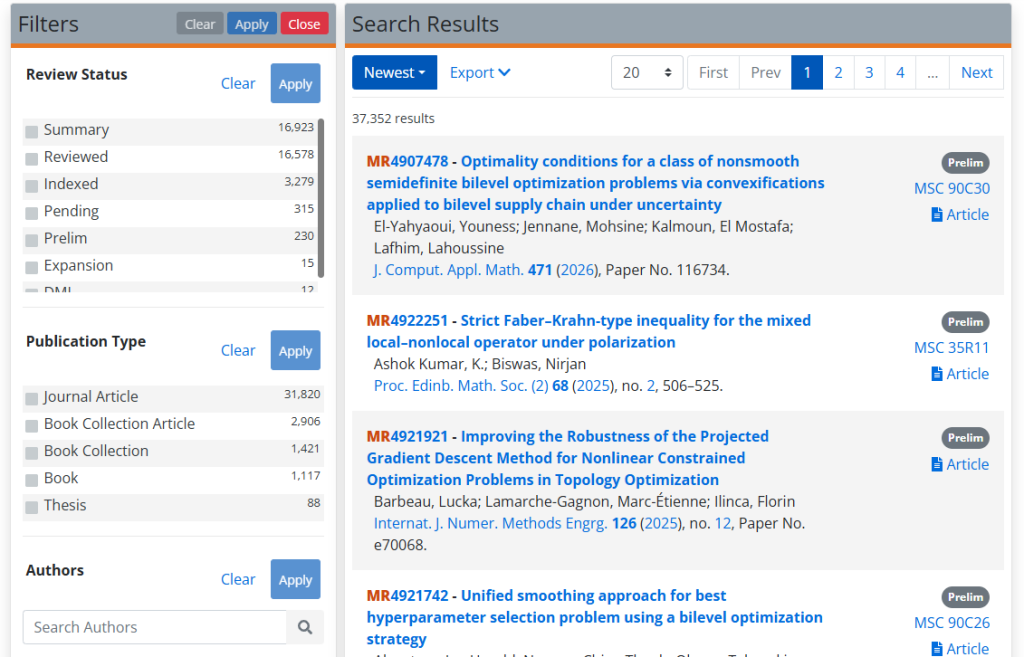
If you have the exact information for a publication, MathSciNet will take you directly to the publication’s information page. If your search is more general and the keywords apply to multiple results, MathSciNet will display all possible results. To narrow down the results, use the Filters on the left side of the screen, shown below. Selecting the item type, institution, author, year, classification, or journal will refine the results and help locate relevant publications.
Getting Full-Text
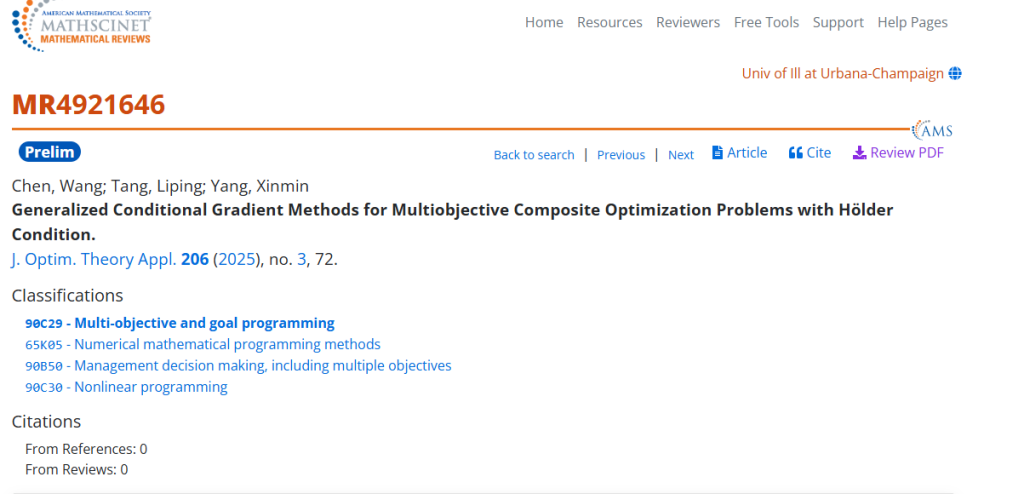
Once you have found a publication to read there are a few options to get the full text. Clicking on the item from the results page provides more information about the item. From the information page, click on the link for “Article” to access full text. Alternatively, the “Discover Full Text” link also provides access to the journal and article.
Learn more!
To learn more about searching in MathSciNet, visit MathSciNet Tutorials