As noted on the Main Library’s Accessibility Website, Grainger Library is committed to creating and maintaining an environment that “advances the university’s goals by striving to ensure unfettered access to information”. This site centralizes information about accessibility in and around Grainger Library, and has been divided into three categories: Building Accessibility, Assistive Technology, and Transportation.
Building Accessibility
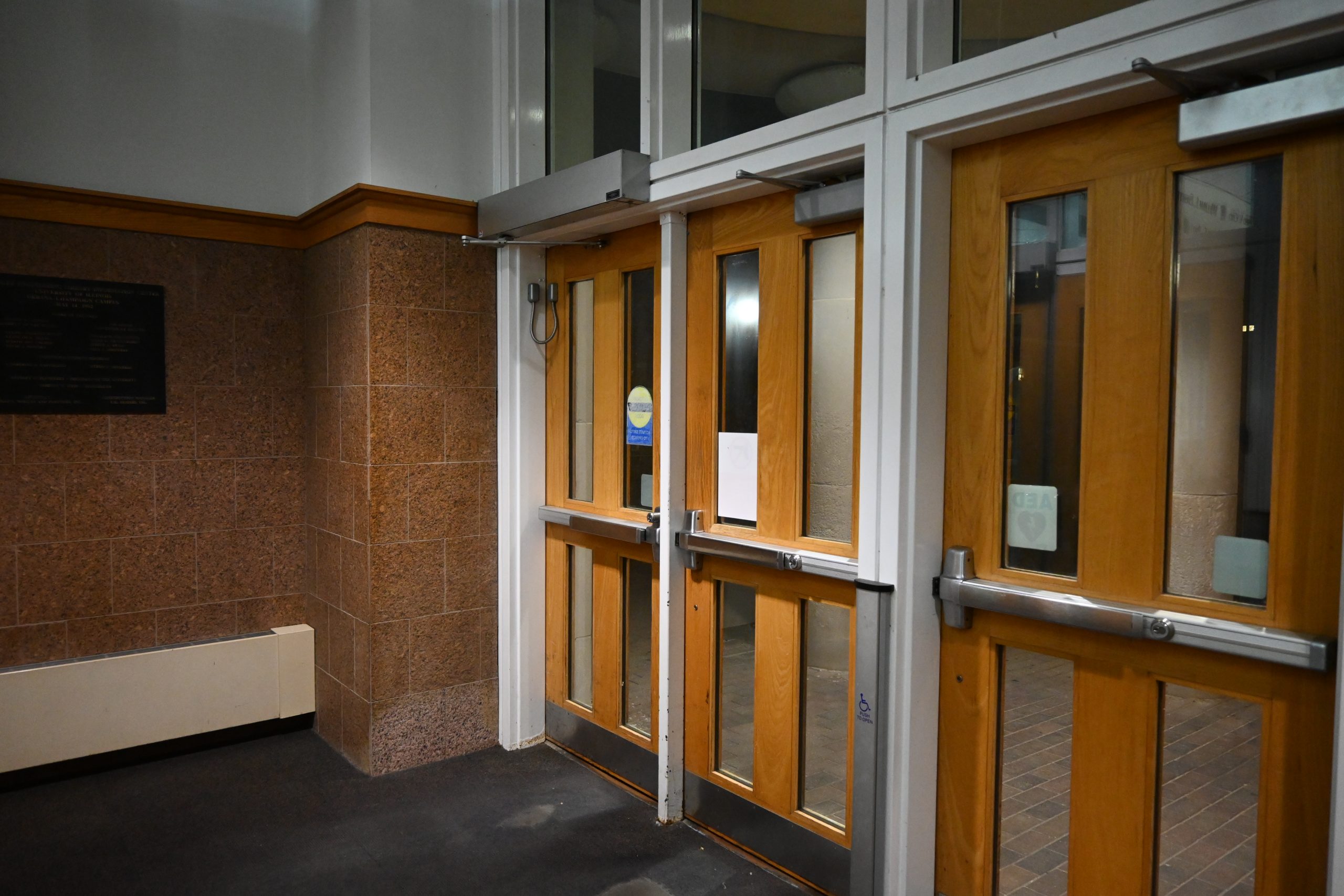
Accessible Entrance: Automatic doors are at the south entrance on the first floor.
Circulation Desk: The First Floor Circulation Desk includes a lowered section to serve patrons in wheelchairs or those with other mobility challenges.
Printer Station: The First Floor printer station includes a lowered section.
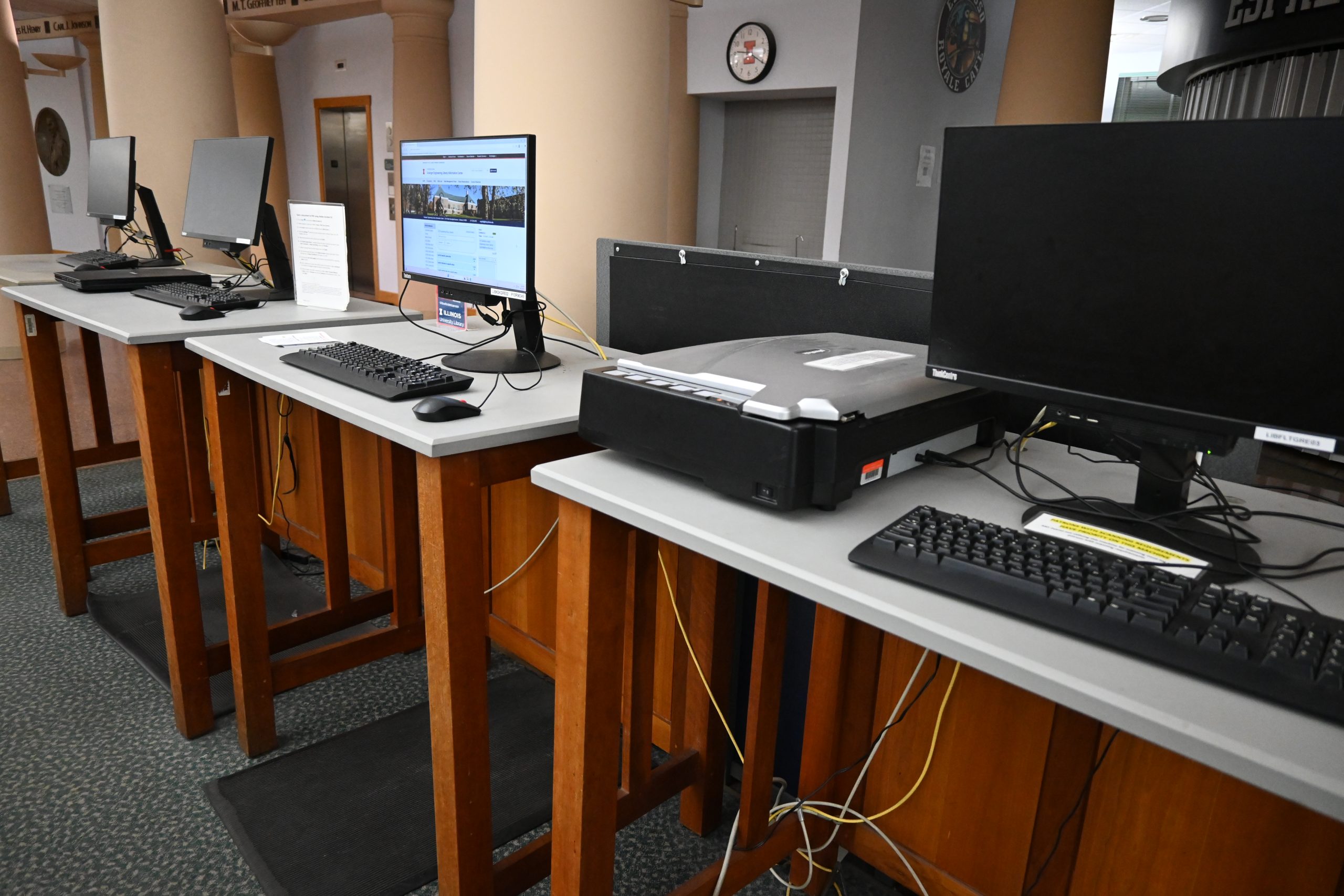
Sit-Stand Tables: The First Floor has sit/stand tables with public access computers.
- RUN: If you can safely leave the building, RUN.
- HIDE: If you cannot safely leave, find a safe place to HIDE.
- FIGHT: If you cannot RUN away safely or cannot HIDE, be prepared to FIGHT for your life.
Areas of Rescue Assistance: Located on the landing areas on the eastern and western staircases of all floors except the first.
Evacuation Assembly Areas: 50 feet from nearest library exit.
- From North Library exit: North of Talbot Lab (corner of Wright/Springfield)
- From South Library exit: Mechanical Engineering Lab
Grainger has three elevators.
- Elevators 1 & 2: Proceed north from the south entrance. These elevators are located diagonally from the Circulation Desk.
- Elevator 3: Located on the east side of the library, near the computer area and across from the staircase.
- Accessible Restrooms: All Grainger restrooms have an accessible stall.
- All Gender Restrooms: Grainger does not currently have all-gender restrooms.
- Nearby all-gender restrooms: Campus Instructional Facility, Talbot Laboratory, & the Digital Computer Laboratory.
- See the map of All-Gender Restrooms Location by Building.
For an interactive map of Grainger Library’s accessibility by floor, see the Facility Access Maps.
Assistive Technology
All computers in Illinois Libraries are equipped with the following software programs:
- JAWS (Job Access With Speech): a computer screen reader and magnification program with text-to-speech reading capabilities.
- Kurzweil 3000: a text-to-speech reader for compatible files and e-texts that also functions as a document or image creator, annotator, and editor.
- ZoomText Magnifier/Reader: software that can enlarge, enhance, and read aloud screen content.
- OpenBook: software for converting graphics-based printed text to electronic text, using Optical Character Recognition, that contains two text-to-speech functions and allows for a split screen view and document annotation.
- Dolphin EasyReader: Digital Accessible Information SYstem (DAISY) formatted electronic book reader.
- OpenDyslexie: a font that is loaded on all Microsoft products. OpenDyslexie font is designed to be easier to read for people with dyslexia.
Grainger computers do not have trackballs.
These items can be checked out from the IDEA Lab in the basement of Grainger Library.
To see more loanable technology available at the Main Library, including sensory objects, noise-cancelling headphones, and vision support, see the University Library Assistive Technology page.
Transportation
Accessible Parking:
- Lots B1 and B4 on Mathews Ave. has designated accessible parking. See Parking at Illinois for more information.
- Learn more about accessible parking on campus at the Disability Resources and Educational Services website.
Additional Parking: There is meter parking on Springfield Avenue and Mathews Ave.
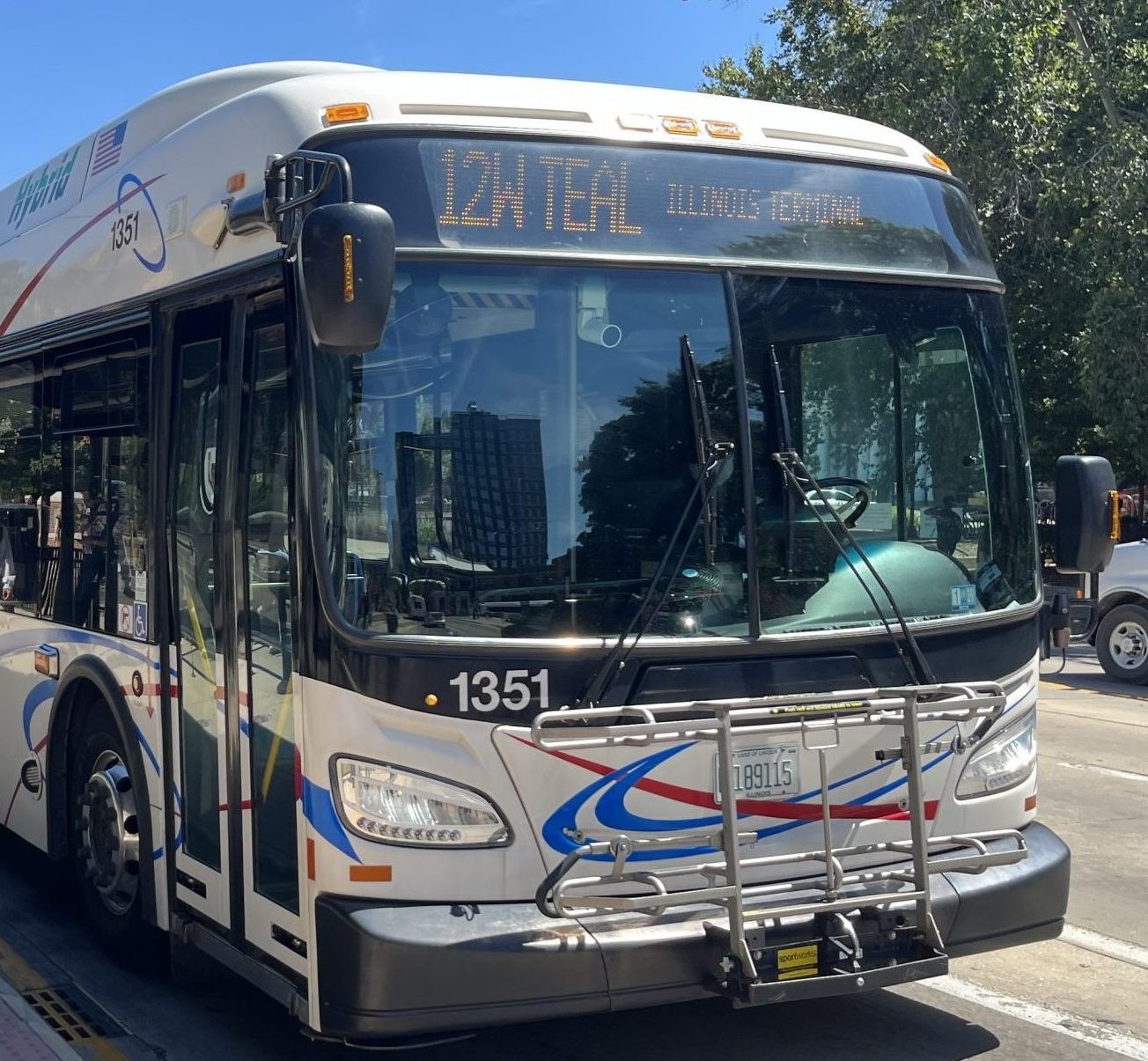
These nearby bus stops are about a 5-10 minute walk from Grainger Library.
Disability Resources and Educational Services offers transportation for qualified rides.